Documentation address
Mixmax workflow reference
Global English documentation
This site does not represent a staffed physical sales office.
Install help
This page is a practical reference for copy, run, configure, and first-result questions. There is no lead form and no sales gate.
Mixmax workflow reference
Global English documentation
This site does not represent a staffed physical sales office.
[email protected]
+1 415 555 0186
Never send API keys, tokens, cookies, or prospect exports.
Monday–Friday
09:00–17:00 UTC
Include runtime version, operating system, stage, and sanitized output.
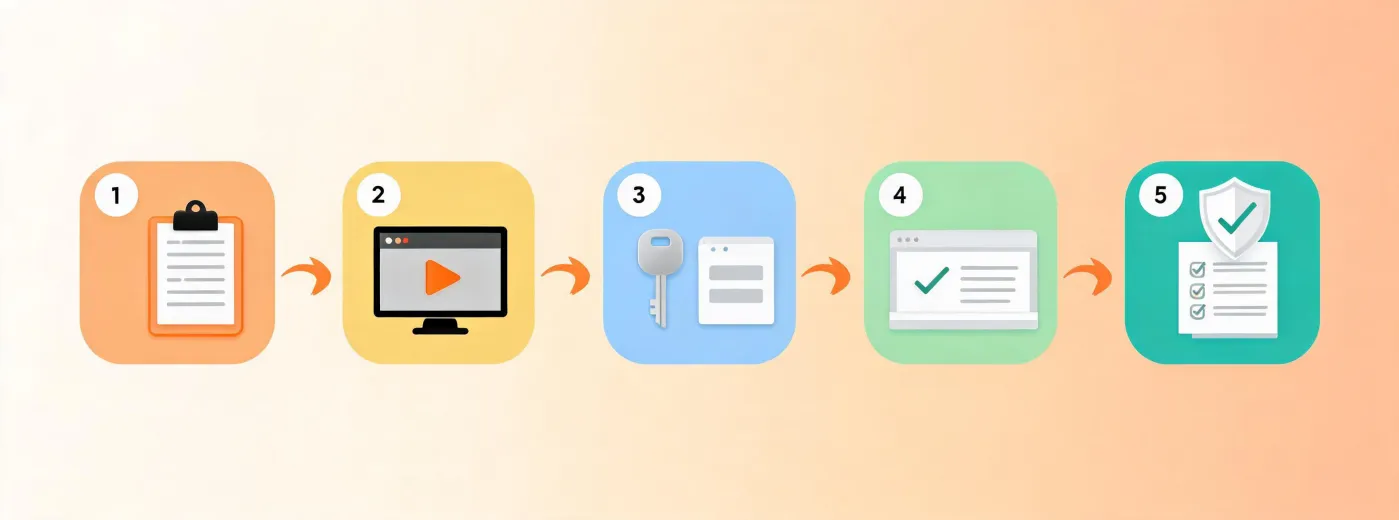
Copying changes only your clipboard. Run it in your own terminal, inspect package prompts, and keep connected credentials in a minimum-scope secret store.
npx -y @okki-global/okki-go-taroballFor the first run, use a small cohort with known fits, exclusions, and ambiguous identities. Confirm that the result preserves source context, dates, unknown states, contact verification, suppression status, and the human approval boundary. A completed run confirms runtime behavior only; it does not establish data accuracy, lawful use, deliverability, or prospect interest.
When requesting help, identify whether the failure occurred during copy, package execution, credential configuration, company matching, contact verification, or result review. Include the package version, runtime version, operating system, and a sanitized error message. Remove bearer tokens, API keys, email addresses, cookies, and exported prospect records before sharing any diagnostic material.
If the package runs but the result looks wrong, test entity identity before changing the brief. Compare legal name, trading name, domain, location, and dated company events. Then inspect provider provenance and freshness. Keep an unresolved state when sources disagree rather than forcing a match.
Before connecting a CRM or email system, decide who owns corrections, which fields may be written, how existing values are protected, where suppression is checked, and when temporary output is deleted. Confirm SPF, DKIM, and DMARC separately; authentication is an operational prerequisite, not a guarantee of inbox placement.
To remove a test configuration, follow the package’s documented uninstall path, revoke provider credentials, inspect the destination for test records, and apply your retention policy. A responsible shutdown covers both local runtime artifacts and data copied to connected systems.